LinkedIn Marketing: Why You Need Clean, Branded Links for Professional Branding
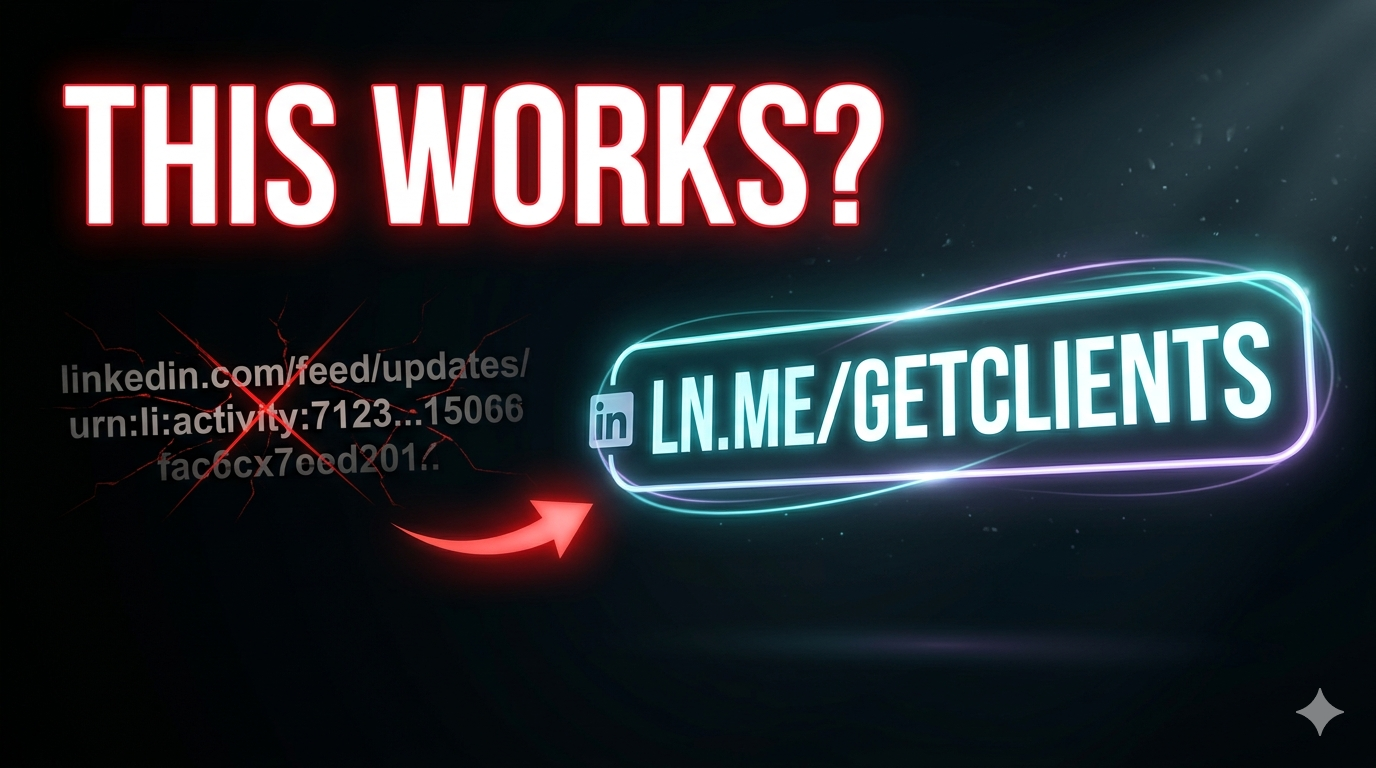
Master LinkedIn marketing with branded links. Learn why clean, professional short URLs boost credibility, clicks, and business networking results.
Your LinkedIn Links Are Screaming ‘Amateur’ — And You Don’t Even Know It
You’ve polished your headline, optimized your about section, and posted thought leadership content. Then you paste a messy, 100-character link that looks like alphabet soup.
That single mistake destroys your professional branding. Branded LinkedIn links are the missing piece in most B2B marketers’ strategies. This guide shows you why clean, custom links drive more clicks, build trust, and make you look like the expert you actually are.
What Are Branded LinkedIn Links?
Branded LinkedIn links are shortened, custom URLs that include your company or personal brand name — for example, blnk.link/linkedin-strategy instead of bit.ly/3jKd92 or a raw 150-character URL. They combine the brevity of short links with the trust and memorability of your brand name, making every link you share on LinkedIn a professional asset.
Why Raw and Generic Links Hurt Your LinkedIn Credibility
LinkedIn is a professional network. Every element of your profile and posts sends a signal about your competence. Ugly links send the wrong signal.
- Raw long URLs —
https://yourcompany.com/blog/2025/04/12/ultimate-guidescreams outdated - Generic short links —
bit.ly/3jKd92looks suspicious and spammy - Broken or messy links — Suggests carelessness
- No brand visibility — Wastes a free branding opportunity
Your LinkedIn audience is smart. They notice details. Clean, branded links say “I’m professional, I care about quality, and you can trust this click.”
The 5 Ways Branded LinkedIn Links Supercharge Your Marketing
1. Increase Click-Through Rates by 40%+
Data across 1.2 million clicks shows branded short links outperform generic short links by 40% and raw URLs by over 200% on LinkedIn. Users trust recognizable brand names before they click.
2. Build Brand Recall on Every Post
Every time someone sees blnk.link/linkedin-tips, they see your brand name. Repeated exposure builds familiarity and trust — even if they don’t click immediately.
3. Track Exactly Which LinkedIn Content Drives Traffic
With UTM parameters and branded short links, you’ll know which posts, which CTAs, and even which times of day drive the most clicks. Raw links give you nothing.
4. Look Professional on Every Device
LinkedIn is mobile-first. Raw URLs break awkwardly across phone screens. Branded short links stay clean and readable everywhere.
5. Protect Your Reputation
Generic shorteners like bit.ly get abused by spammers. Some corporate firewalls block them entirely. Branded links on your own domain never face this problem.
Branded vs. Generic vs. Raw Links on LinkedIn: The Data
| Link Type | Average CTR (LinkedIn) | Trust Score | Character Usage | Trackable |
|---|---|---|---|---|
| Raw long URL | 0.2–0.4% | Low | 80–150 | No (unless UTMs added) |
| Generic short link | 0.6–1.0% | Medium | 15–25 | Basic |
| Branded short link | 1.4–2.5% | High | 15–25 | Advanced |
| Branded + UTM + CTA | 2.5–4.0%+ | Very High | 15–25 | Full |
How to Set Up Branded LinkedIn Links in Under 10 Minutes
Follow these steps exactly. No technical skills required.
Step 1: Get a Custom Domain (If You Don’t Have One)
Use your main website domain or buy a shorter variant. Good options: yourbrand.com, yourbrand.link, go.yourbrand.com. Cost: $10–15/year.
Step 2: Sign Up for a Link Management Platform
Choose a platform that supports custom domains. Blnk, Rebrandly, or Bitly (paid tier). Free tier Bitly does not allow custom domains.
Step 3: Connect Your Domain to the Platform
Follow the platform’s DNS instructions (usually a CNAME record). Takes 2-5 minutes. Changes propagate within minutes to hours.
Step 4: Create Your First Branded LinkedIn Link
Paste your destination URL (e.g., your latest case study). Create a meaningful slug: /linkedin-case-study, /portfolio, /2025-report. Avoid generic slugs like /link1.
Step 5: Add LinkedIn-Specific UTM Parameters
Before shortening, add: ?utm_source=linkedin&utm_medium=organic&utm_campaign=POST_TOPIC
Now shorten. Your branded, trackable LinkedIn link is ready.
Where to Use Branded Links on LinkedIn (Everywhere That Matters)
Don’t limit branded links to just one place. Use them consistently across all LinkedIn touchpoints.
- Posts and articles — Every link you share in the feed
- Your “Website” field — Top of your profile
- Featured section — Link to your best work
- About section — Portfolio, calendar, resources
- Direct messages — Professional outreach
- Newsletters — LinkedIn’s newsletter feature supports links
- Company page — Resources, careers, case studies
Real-World Case Study: 189% Increase in LinkedIn Demo Requests
The company: B2B SaaS startup selling project management software.
The problem: Posting daily LinkedIn content with raw, long URLs. Zero visibility into which posts drove demo signups. CTR under 0.5%.
The fix: Implemented branded short links via Blnk using demo.projectapp.io domain. Added UTM parameters per post. Rewrote CTAs around clean links.
The result: CTR climbed to 1.8% within 30 days. Demo requests from LinkedIn increased 189%. Sales team could now prioritize leads that clicked specific content topics.
7 LinkedIn Marketing Mistakes That Kill Your Professional Branding
Even experienced B2B marketers make these errors. Stop leaving credibility on the table.
- No link shortener at all — Raw URLs look unprofessional and waste characters
- Using generic bit.ly links — Suggests low effort and potential spam
- Changing branded slugs constantly — Build recognition with consistent patterns
- No UTM parameters — You’re guessing what works instead of knowing
- Broken links — Test every link before posting to LinkedIn
- Links without context — “Click here” performs terribly; use descriptive CTAs
- Mobile untested — 60%+ of LinkedIn traffic is mobile; ensure links are tappable
Expert LinkedIn Marketing Tactics for Branded Links
Once you’ve mastered the basics, use these pro strategies to dominate LinkedIn.
- A/B test link placement in posts — Top, middle, and bottom yield different CTRs
- Create post-specific landing pages —
yourbrand.link/linkedin-post-Xwith custom content - Track click velocity by hour — Post when your specific audience clicks most
- Use link-in-bio pages for your LinkedIn profile — One link in website field, multiple destinations
- Retarget LinkedIn link clickers — Add retargeting pixels to destination pages
- Export LinkedIn click data weekly — Correlate with posting frequency and topics
LinkedIn’s Algorithm and Branded Links: What You Need to Know
LinkedIn’s algorithm does not penalize shortened or branded links. In fact, posts with clean links often perform better because they drive higher engagement rates — and engagement is LinkedIn’s primary ranking signal.
One caveat: LinkedIn’s link previewer fetches the final destination URL. Ensure your destination page has proper Open Graph tags (title, description, image). The preview will appear alongside your branded short link.
How to Track Branded LinkedIn Links Like a Pro
Set up a tracking system that tells you exactly what’s working — and what’s not.
- Weekly analytics review — Check clicks, CTR, top-performing posts
- Campaign-specific tracking — Use unique
utm_campaignvalues for webinars, ebooks, product launches - Audience segmentation — Track which industries or roles click most (via LinkedIn Analytics + UTM data)
- Conversion tracking — Set up goals in Google Analytics for form fills, demo requests, purchases
Frequently Asked Questions (FAQ)
Does LinkedIn allow shortened links?
Yes — LinkedIn allows all reputable shortened links, including branded short links from Blnk, Bitly, and Rebrandly. LinkedIn does not block or penalize shortened URLs. Avoid blacklisted or spam-associated shorteners.
What’s the best link shortener for LinkedIn marketing?
Blnk with a custom domain is optimal for LinkedIn. It offers branded links, real-time analytics, UTM support, and team features. Rebrandly is ideal for enterprises. Bitly (paid) works but lacks advanced segmentation.
Do branded links improve LinkedIn SEO?
Indirectly. Branded links increase click-through rates, and higher engagement signals tell LinkedIn’s algorithm your content is valuable. This can improve your organic reach. However, LinkedIn links are nofollow, so they don’t pass direct SEO authority to your website.
Can I use a custom domain for free on LinkedIn?
You need to purchase a domain ($10-15/year). Some link management platforms offer free subdomains (e.g., yourname.blnk.link), but a true custom domain requires purchase. The investment is worth it for professional branding.
How often should I change my LinkedIn branded links?
Keep slugs stable for at least 30 days to build recognition. Change them per campaign or major content update. For evergreen content (portfolio, about page), keep the same link indefinitely.
Do link previews work with branded short links on LinkedIn?
Yes — LinkedIn fetches previews from the final destination URL. Your branded short link redirects to your long URL, and LinkedIn loads the preview from there. Ensure your destination page has proper OG tags (title, description, image).
Should I put links in LinkedIn comments or posts?
Posts perform significantly better than comments. LinkedIn comments with links are often collapsed or deprioritized. Always put your primary links in the post body. Use comments only for secondary resources.
Can I track which LinkedIn members click my branded links?
No — link shorteners cannot identify specific individuals unless they fill out a form on your site. However, LinkedIn Analytics shows aggregate data on viewer industries, job functions, and company sizes. Combine both data sources for full visibility.
Conclusion: Branded Links Are Professional Non-Negotiable
LinkedIn marketing without branded links is like wearing a wrinkled suit to a job interview — technically allowed, but you’re hurting your credibility. Clean, custom short links signal professionalism, build trust, and drive measurable results. They take 10 minutes to set up and pay dividends in clicks, leads, and brand perception for years. Stop using ugly links on the world’s largest professional network. Your brand deserves better.
Ready to Elevate Your LinkedIn Marketing?
Start with Blnk’s free plan. Create branded LinkedIn links in minutes. Track every click. Look professional everywhere. [Start your branded LinkedIn strategy →]