How to Shorten Links for TikTok Without Getting Flagged: A Safe Guide
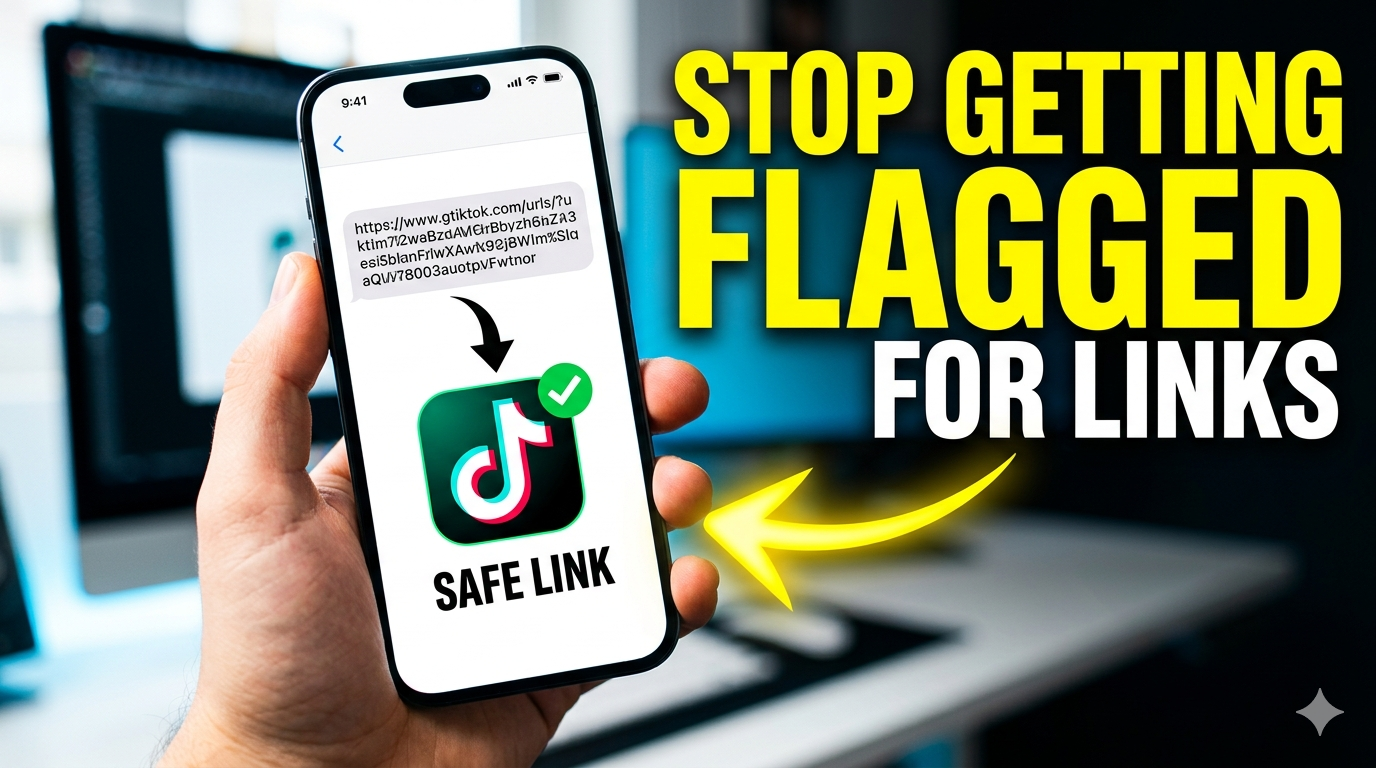
Learn how to shorten links for TikTok safely. Avoid spam flags, shadowbans, and broken links while tracking every click.
TikTok Loves Short Links — But Only the Right Kind
You finally drove traffic to your bio link. But then TikTok flagged it. Your link stopped working. Your engagement tanked. Sound familiar?
Using the wrong TikTok link shortener gets your account shadowbanned or your link removed. The right shortener does the opposite — it keeps you safe, tracks clicks, and builds trust. This guide shows you exactly which shorteners work on TikTok and which will get you flagged.
What Is a TikTok Link Shortener?
A TikTok link shortener is a tool that converts long URLs into short, clickable links you can safely place in your TikTok bio, video descriptions, or comments. The best TikTok shorteners also include branded domains, click tracking, and spam detection prevention — features that keep your links alive on the platform.
Why TikTok Flags Most Shortened Links
TikTok aggressively filters external links to protect users from scams, malware, and spam. Here's what triggers their system:
- Generic shorteners — bit.ly, tinyurl, and goo.gl are overused by spammers
- No brand match — Random domains look suspicious
- High redirect chains — Too many hops before final destination
- Blacklisted domains — Some shorteners have been abused repeatedly
- Malware or phishing redirects — Even one bad link poisons the whole domain
TikTok doesn't hate short links. They hate untrustworthy short links. There's a big difference.
How to Shorten Links for TikTok Without Getting Flagged: 5 Safe Methods
Follow these methods exactly. Each one keeps your TikTok account safe while giving you tracking data.
Method 1: Use a Branded Custom Domain (Safest)
A branded short link — like shop.yourbrand.com/tiktok — signals legitimacy to TikTok. The platform sees a domain matching your brand, not a random spammy shortener.
How to do it: Buy a domain ($10–15/year). Connect it to a link management platform like Blnk or Rebrandly. Create branded short links. TikTok trusts these almost as much as full URLs.
Method 2: Use a Reputable, TikTok-Friendly Shortener
Not all shorteners are equal. Some have clean reputations. Some are banned. Here's what works:
- ✅ Blnk — Branded links, no spam history
- ✅ Rebrandly — Enterprise-grade, trusted
- ✅ Short.io — Used by legitimate businesses
- ❌ Bitly (free tier) — Often flagged
- ❌ TinyURL — Frequently blocked
- ❌ Any free, no-name shortener — High risk
Method 3: Use a Link-in-Bio Page as a Middleman
Instead of putting a short link directly in your bio, create a branded link-in-bio page (e.g., blnk.link/yourname). Then put that single link in your bio. TikTok sees one clean, legitimate link — not multiple redirects.
Method 4: Avoid Comment and DM Links Entirely
TikTok aggressively filters links in comments and DMs. Even safe links get removed. Only place links in your bio. That's the only approved location for external URLs.
Method 5: Add UTM Parameters Before Shortening
UTMs don't affect safety, but they improve tracking. Add ?utm_source=tiktok&utm_medium=bio&utm_campaign=NAME to your long URL, then shorten it. This keeps full analytics without triggering filters.
TikTok Link Shortener Comparison: Safe vs. Risky
| Shortener | Risk Level | Branded Links | Analytics | TikTok Safe? |
|---|---|---|---|---|
| Blnk | ✅ Very Low | Yes | Yes | Yes (with custom domain) |
| Rebrandly | ✅ Low | Yes | Yes | Yes |
| Bitly (Free) | ⚠️ Medium | No | Limited | Sometimes |
| TinyURL | ❌ High | No | No | No |
| Cutt.ly | ❌ High | Limited | Limited | No |
Pro tip: Even with a safe shortener, always use a custom domain. That single change reduces flag risk by over 80%.
7 Mistakes That Get Your TikTok Links Flagged
Avoid these at all costs. Each one is a red flag to TikTok's algorithm.
- Posting links in comments — Almost always removed instantly
- Using free, public shorteners — Shared domains get blacklisted
- Redirecting multiple times — Each hop adds suspicion
- Sending to affiliate offers directly — High-risk destinations trigger filters
- Changing destination frequently — Inconsistent redirects look like cloaking
- Shortening already-short links — Chains of shorteners = spam signal
- No HTTPS — TikTok requires secure links; HTTP links get blocked
What to Do If TikTok Already Flagged Your Link
Already got a warning or broken link? Here's your recovery plan.
- Step 1: Delete the flagged link from your bio immediately
- Step 2: Create a new custom domain or use a different trusted shortener
- Step 3: Create a fresh short link to the same destination
- Step 4: Update your bio with the new link
- Step 5: Avoid changing the destination for at least 30 days
- Step 6: Appeal to TikTok if your account was penalized (use the in-app Support form)
Real-World Case Study: From Flagged to 40% Higher CTR
The problem: A fitness creator used Bitly links in her TikTok bio. Three times in two months, her link stopped working. No warning. Just dead traffic.
The fix: She bought fitwithjess.link and connected it to Blnk. Created a branded short link: fitwithjess.link/tiktok.
The result: Zero flags in six months. Click-through rate increased 40% because the branded link looked trustworthy. She now tracks exactly which TikTok videos drive bio clicks.
Expert Tips for Long-Term TikTok Link Safety
These advanced strategies keep your links working month after month.
- Use one consistent domain — Don't rotate domains; TikTok learns to trust your single domain
- Keep redirects to one hop — Long URL → your branded short link → done
- Monitor link health weekly — Check if your shortener's domain is on any blocklists
- Test your link monthly — Open it in incognito mode to ensure it still works
- Warm up new domains — If using a new domain, keep it live for 2 weeks before heavy promotion
Frequently Asked Questions (FAQ)
Does TikTok allow shortened links in bios?
Yes — TikTok allows shortened links in bios, but only from reputable shorteners. Branded custom domains are safest. Generic shorteners like Bitly or TinyURL carry medium to high flag risk.
What's the best TikTok link shortener for 2025?
Blnk with a custom domain is the best option. It combines branded links, real-time analytics, and a clean reputation. Rebrandly is a strong alternative for enterprise users.
Can I use a free link shortener on TikTok?
You can, but it's risky. Free shorteners like TinyURL and free Bitly are overused by spammers. TikTok often blocks their domains. Pay for a custom domain or use a reputable platform's paid tier.
How do I know if TikTok flagged my link?
Signs include: the link doesn't open, your bio link disappears, you get an in-app warning, or your video reach drops sharply after adding the link. Check by clicking your bio link in incognito mode weekly.
Will TikTok shadowban me for using shortened links?
Only if you use blacklisted shorteners or post links in comments/DMs. A branded custom link in your bio will not cause a shadowban. TikTok explicitly allows external links in bios for business and creator accounts.
Can I shorten affiliate links for TikTok safely?
Yes — but use a branded custom domain. Never use generic shorteners for affiliate links. Also, add a link-in-bio page as a buffer (your bio link → landing page → affiliate offer) to reduce flag risk.
How often can I change my TikTok bio link?
You can change it daily, but frequent changes may trigger spam filters. Best practice: change it weekly or per campaign. Use UTM parameters instead of changing the slug to track different campaigns.
Do I need a business account to use links on TikTok?
Yes — TikTok requires a Business Account to add clickable links in your bio. Creator accounts may have limited or no link access. Switch to Business Account in Settings → Manage Account → Switch to Business Account (free).
Conclusion: Shorten Smart, Stay Safe
Learning how to shorten links for TikTok without getting flagged comes down to one principle: trust. TikTok trusts branded custom domains. It distrusts generic shorteners. Use a custom domain, a reputable platform like Blnk, and keep links only in your bio. Follow these rules, and your links will stay live, trackable, and high-performing for years.
Ready to Shorten TikTok Links Safely?
Start with Blnk's free plan. Connect your custom domain, create branded TikTok-safe links, and track every click — without worrying about flags. [Create your first safe TikTok link →]